POLARIS
Boundary element software for the dielectric design of high-voltage devices. Mesh the solids; the air needs no mesh.
- BEM + Fast Multipole
- MPI + threads
- Gmsh, Nastran in
- VTKHDF out
- Linux, macOS, Windows
Free for non-commercial use · commercial license on request
Gallery
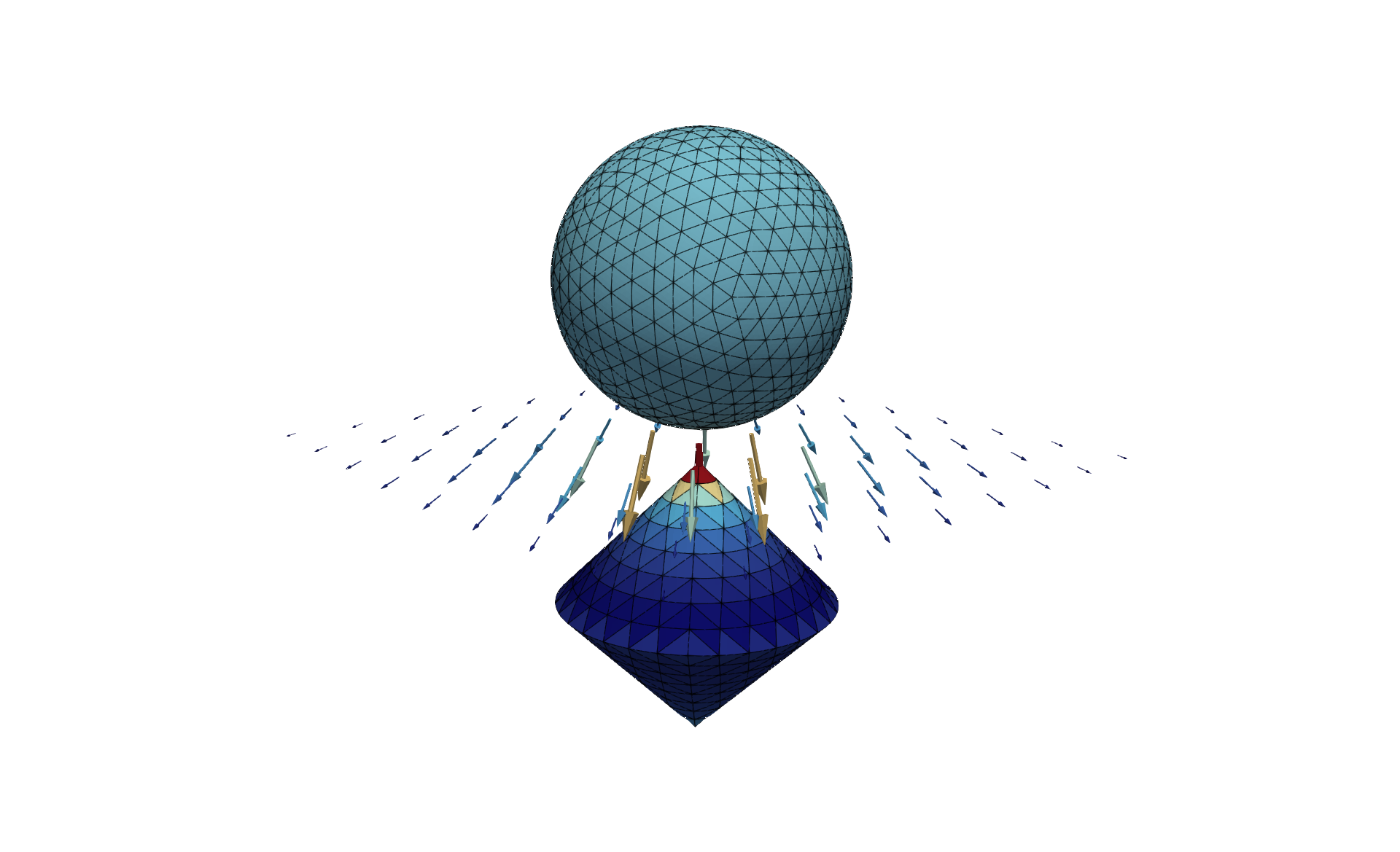
Examples. Click an image to enlarge it.
We thank Elliptic Fields for providing some of the examples.
About POLARIS
POLARIS is high-performance simulation software for the dielectric design and analysis of high-voltage devices. It uses the Boundary Element Method (BEM) to model electrostatic problems with electrodes, dielectric media, and floating or initially unknown potentials.
POLARIS is built to scale. With MPI parallelization it runs efficiently on laptops, engineering workstations and large HPC clusters. A Fast Multipole Method (FMM) compresses the boundary element operator, so dense BEM matrices are never stored and large models stay tractable.
POLARIS reads several surface mesh formats and supports flat and curved triangular and quadrilateral elements. Higher-order discretizations based on L² and H¹ᐟ² finite element spaces let you match the accuracy of the model to the application.
Besides surface quantities, POLARIS evaluates the electric field anywhere in the exterior domain, so you can analyze field distributions and find critical regions in your design. Results are written as VTKHDF and open directly in ParaView.
The browser-based POLARIS preprocessor provides a graphical interface for creating and configuring simulation models, so you don't have to write input files by hand.
Features
Mesh input
Gmsh and Nastran BDF surface meshes, with first- and second-order triangular and quadrilateral elements.
Physics
Electrodes, dielectric media and floating or free potentials.
Field evaluation
The electric field anywhere in the exterior domain, not only on the surfaces.
Method
Galerkin BEM, compressed with Fast Multipole Methods.
From laptop to cluster
Linux builds run with MPI and threads. Windows and macOS builds use threads only.
Preprocessor
A browser-based preprocessor helps you build the input data.
Free for non-commercial use
Request a license online; it arrives by email right away. License terms
Download
Latest version for every supported platform. For other operating systems, please contact us.
| Platform | Parallelization | Package | Verification |
|---|---|---|---|
| Linux x86_64 | MPI (OpenMPI) + threads | Download tar.gz | checksum signature |
| Linux x86_64 | MPI (MPICH) + threads | Download tar.gz | checksum signature |
| Linux x86_64 | Threads only | Download tar.gz | checksum signature |
| macOS, Apple silicon | Threads only | Download tar.gz | checksum signature |
| Windows 11 x86_64 | Threads only | Download zip |
Linux
Built on AlmaLinux 8.10. Any Linux system with glibc 2.28 or newer should work. MPI builds are available for OpenMPI and MPICH; details about the bundled MPI are in manifest/release.json.
macOS
Requires macOS Sequoia or newer on Apple silicon. If you downloaded the package with a web browser, remove the quarantine flag:
xattr -d com.apple.quarantine <package>Windows
Windows 11 on x86_64, with threaded parallelization. The download is a ZIP file; the executable is properly signed.
Verify the download
Linux and macOS packages come with a SHA-256 checksum, signed with our public GPG key. Download the checksum and signature next to the package, then run both commands.
Primary key fingerprintDFD5 ED95 92B8 B3AC 7A8D AC72 C5E5 8D4E CE25 ECA9
gpg --verify <package>.sha256.asc <package>.sha256
sha256sum --check <package>.sha256
<package> stands for the downloaded file, for example polaris-<version>-linux-x86_64-openmpi.tar.gz.
License
Free
- Fill in the license form; the license file arrives by email right away.
- Valid for 180 days.
- Up to 16 execution threads: MPI processes × threads per process.
Save polaris_license.json anywhere you like and point the environment variable POLARIS_LICENSE_FILE to it. Other options are described in the documentation.
On request
For commercial use, more execution threads or support, contact us and we'll put together a license that fits.
Contact usQuick start
The full description is in the README.md that ships with POLARIS, and in the online documentation.
Install
Unpack the archive. The
binfolder containspolarisandpolaris.post.Run
Start POLARIS with your mesh and settings. The
mpirunpart is only needed for MPI runs on Linux.Shell[mpirun -np <nproc>] \ polaris -i <file.mesh> -s <settings.yaml>Try the examples
Each example in
share/examplescomes with documentation and shows how to createsettings.yamlwith the preprocessor.
References
- ProjectRelated research project VEGA, with a publication on arXiv and a Rhino 3D plug-in
- PosterIGTE Symposium 2026