2026-09-25
In this tutorial, the aim is to set up the model and settings file in order to generate the input for POLARIS. The model analysed here is discussed in Concentric spherical shells.
To begin with, we open https://www.tailsit.com/polaris_preprocessor
and load concentricSpheres.mesh under
Select mesh file from the folder
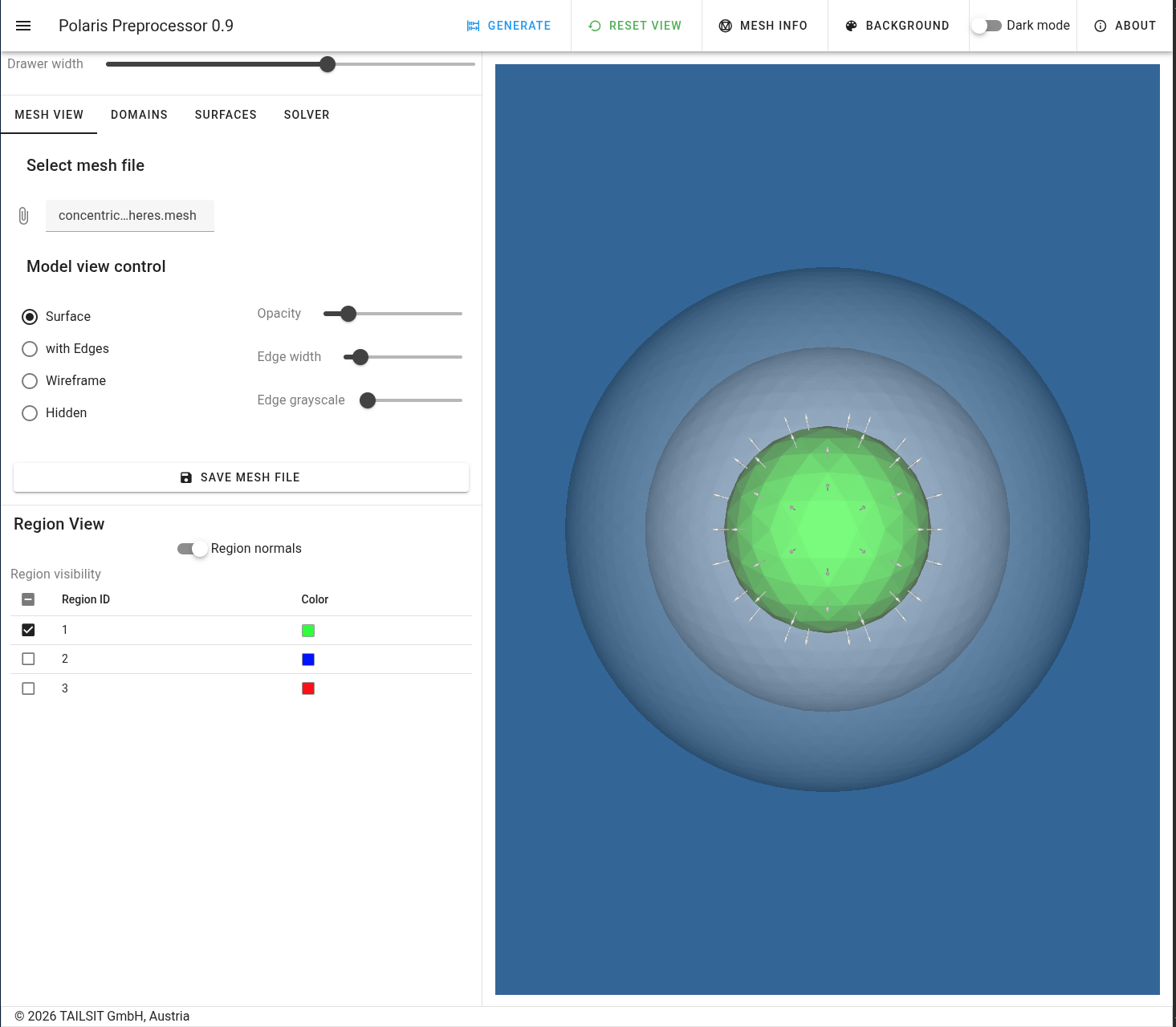
share/examples/concentricSpheres. One should obtain the
following view.
|
|---|
| View of imported mesh with hidden regions |
Note that only the innermost surface has been made visible to later select well the regions in the surface declarations.
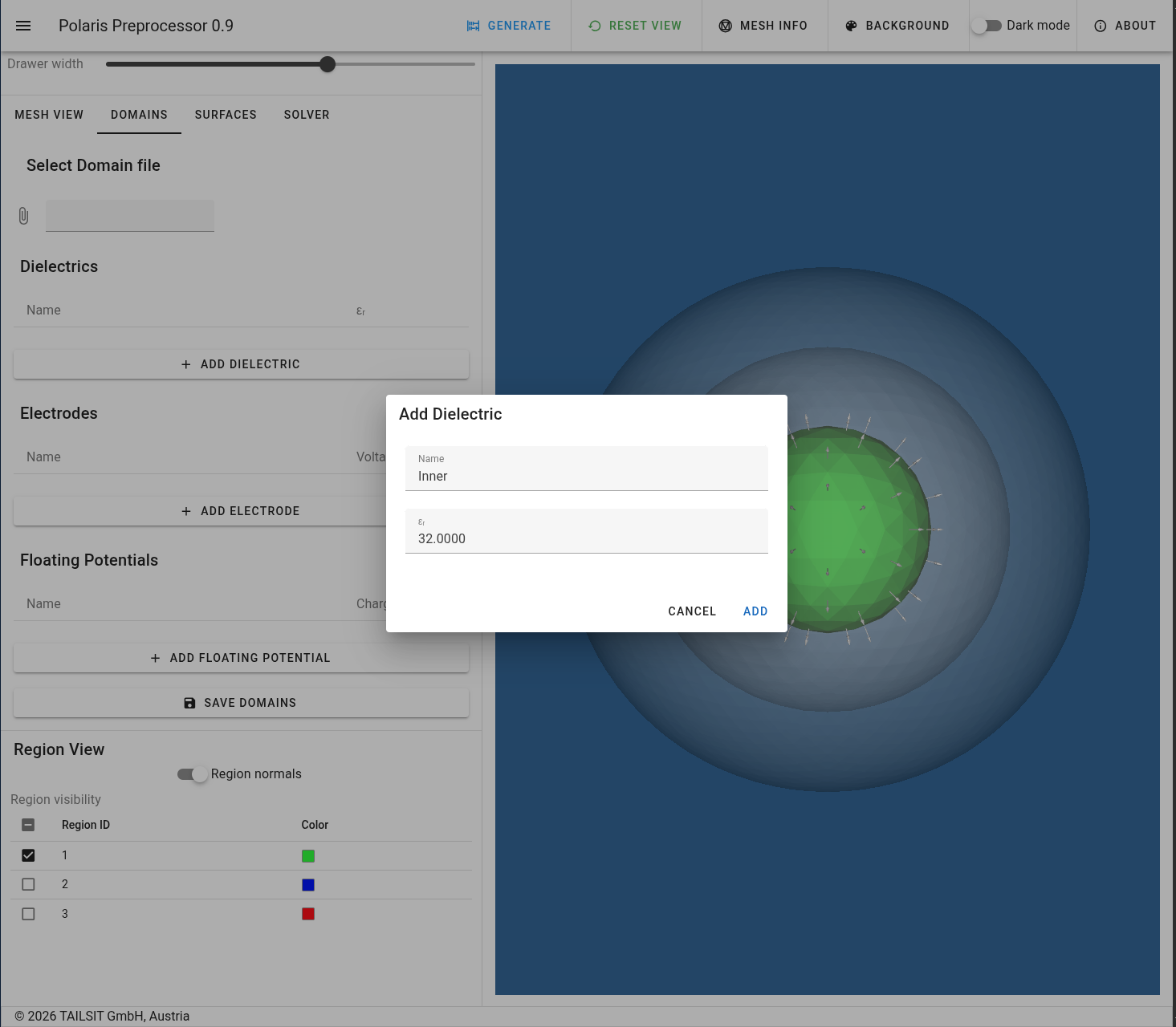
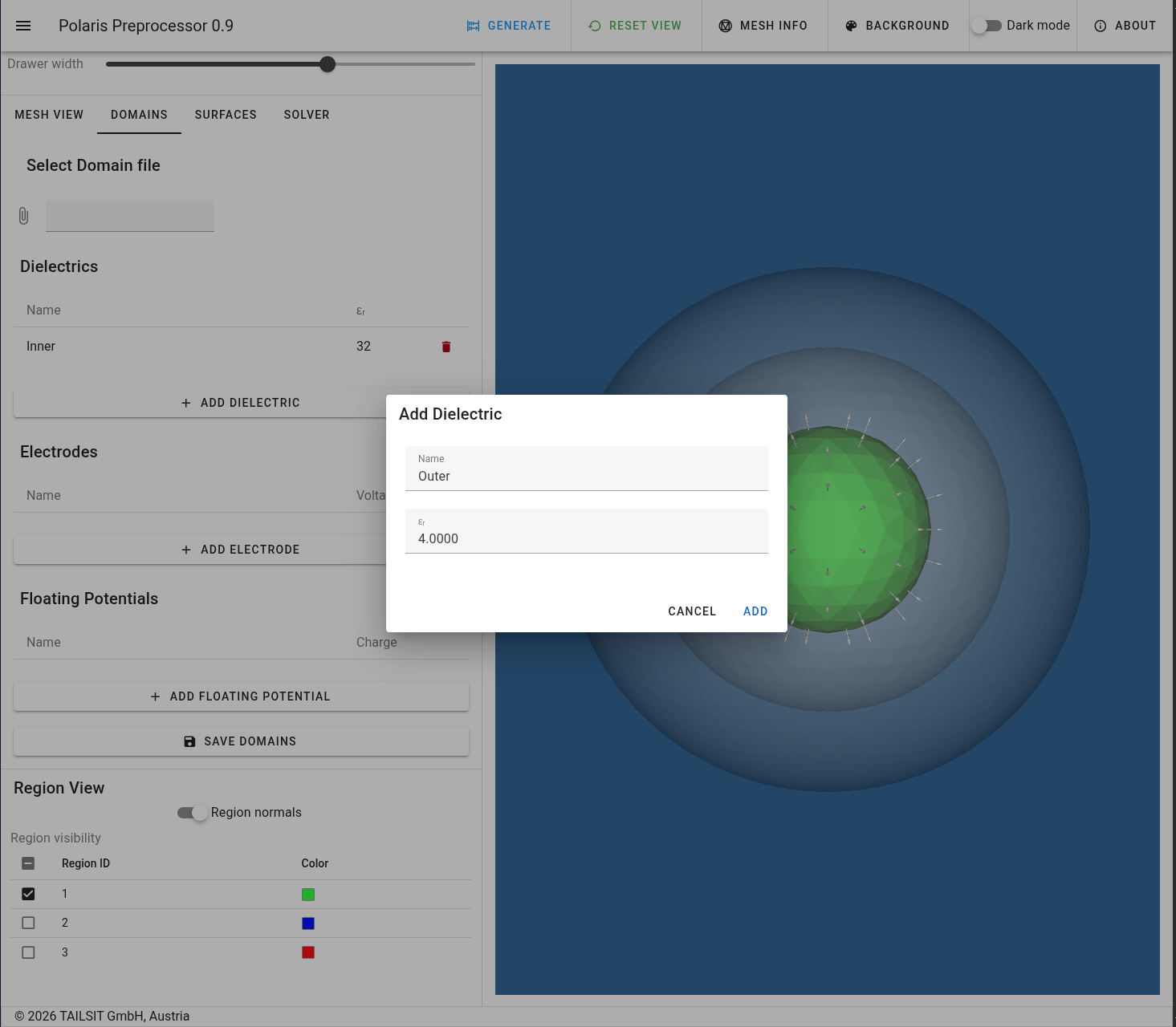
The domain consists of two dielectric materials.
 |
|---|
| Inner dielectric domain |
 |
|---|
| Outer dielectric domain |
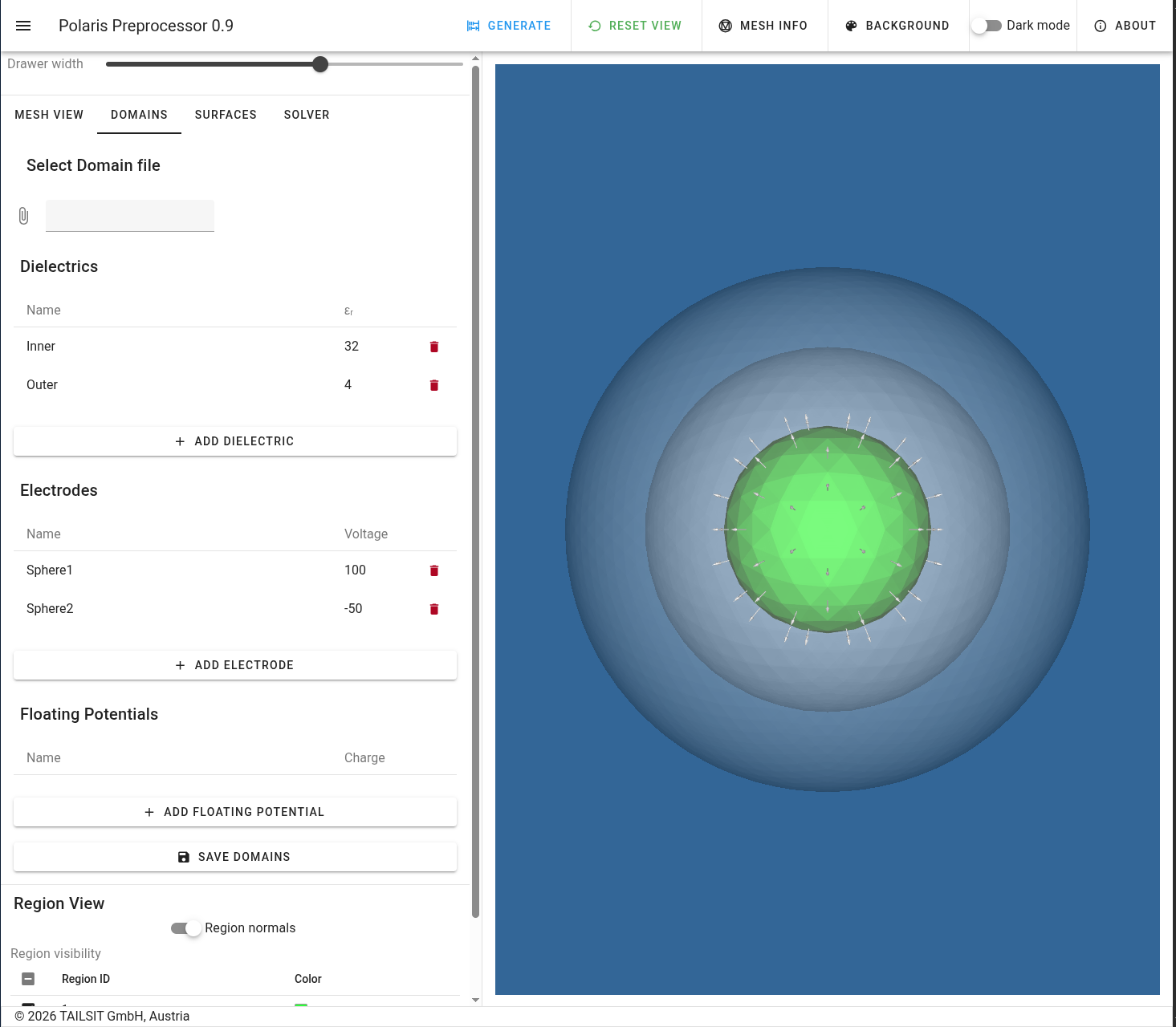
Moreover, there are the two electrodes of the inner- and outermost surfaces. The final constellation looks like in the following picture.
 |
|---|
| Declaration of domains |
The domains can also be stored in a JSON file, see Concentric spheres -
domains.
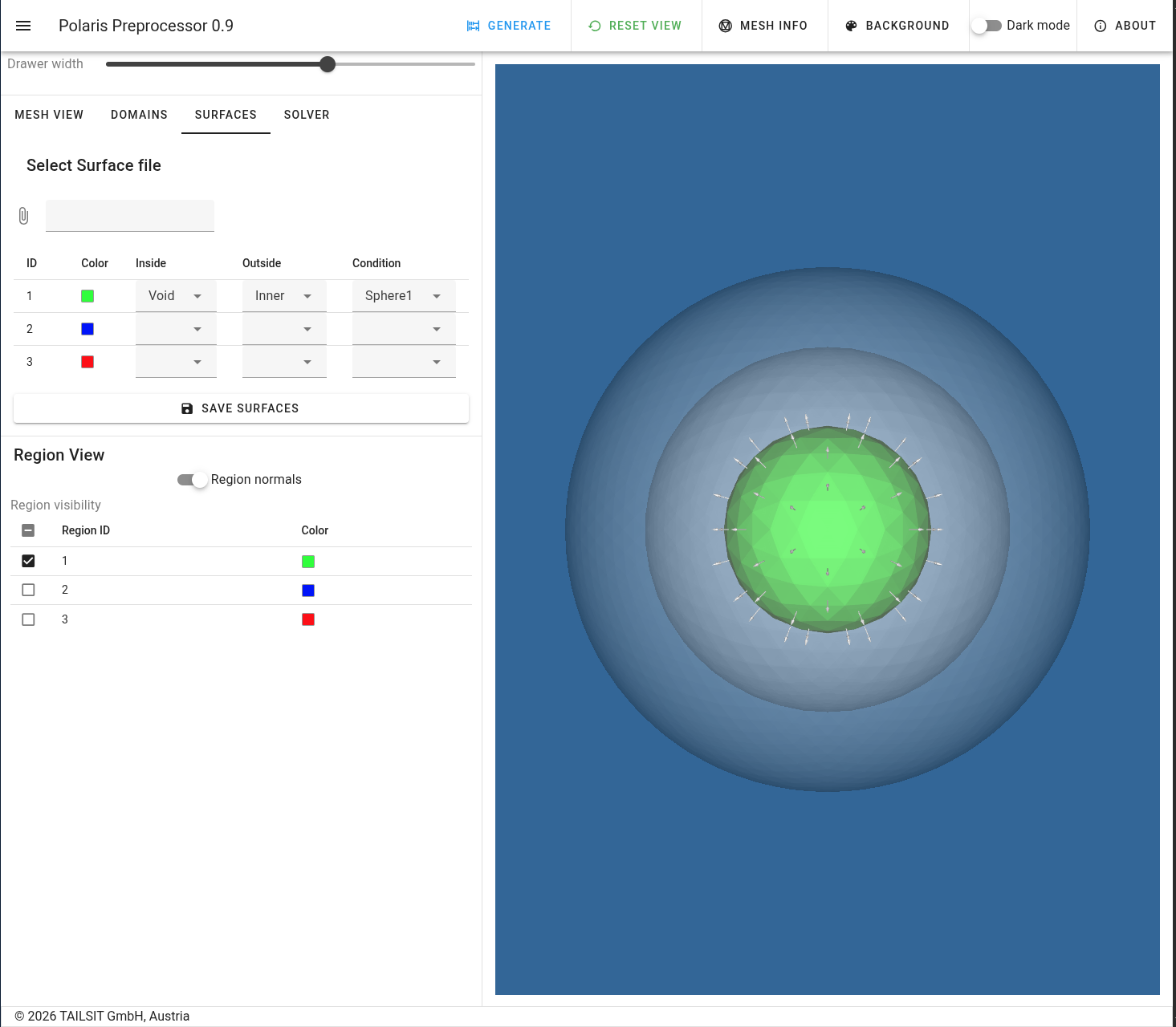
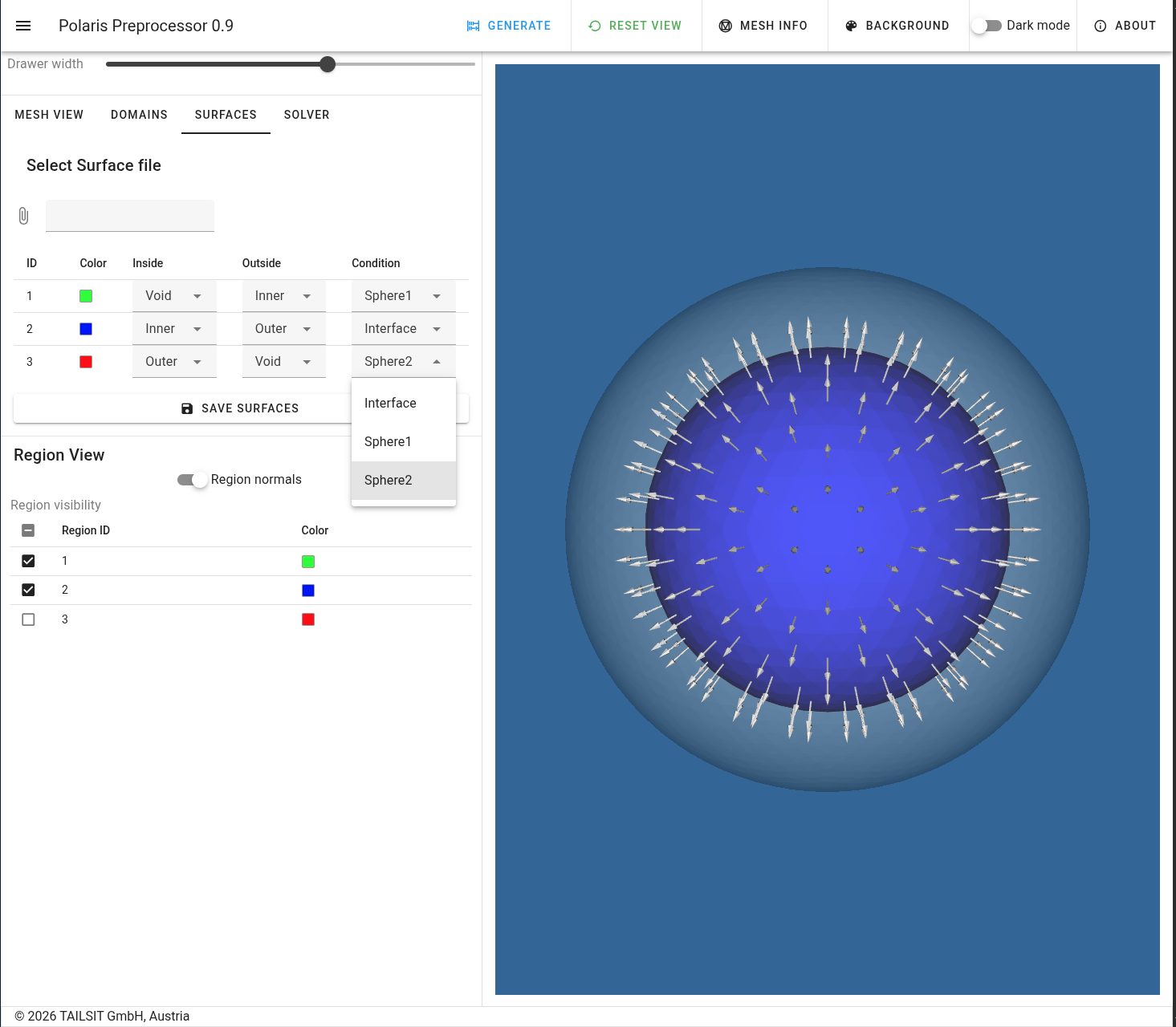
Here, we declare the status of the three surfaces from inner- to outermost. The middle surface is an interface between the two dielectric materials.
 |
|---|
| Innermost surface |
 |
|---|
| Surface declarations |
The surfaces can also be stored in a JSON file, see Concentric spheres -
surfaces.
The solver settings are the same as in Sphere and Bicone.